How to View Leave Application History on Manav Sampada
If you use the Manav Sampada Portal to apply for leave, you might want to check your leave history — to see past applications, their status, or whether they were approved or rejected. This guide explains exactly how to do that step‑by‑step in a way that’s easy to understand, even if you’re not tech‑savvy.

Log in to the Manav Sampada Portal
Start by opening the Manav Sampada portal in your browser:
ehrms.upsdc.gov.in
Enter your:
Then click Login.
Once you’re in, you’ll reach the dashboard where you can access many features like leave, service book, profile, and more.
Go to the Leave Section
After logging in:
The exact name may vary depending on your department, but it will usually have the word “Leave” in it.
Tap or click on that section.
Look for “Leave History” or “Leave Status”
Inside the leave menu, you will usually find options like:
Click on View Leave History or Leave History.
This is where all your past leaves are stored.
Select the Time Period (If Prompted)
Some sections allow you to choose:
Pick the dates or year range you want to view. For example, if you want to see all leaves taken in 2025, choose those dates or that year.
Then click Submit or View.
Review Your Leave Records
You will now see a list of your past leave applications. Usually, the list shows:
This makes it easy to check what leaves you took, what’s pending, and what was approved or rejected.You can also read: How to Upload Property Information on Manav Sampada
Understanding Leave Status and Remarks
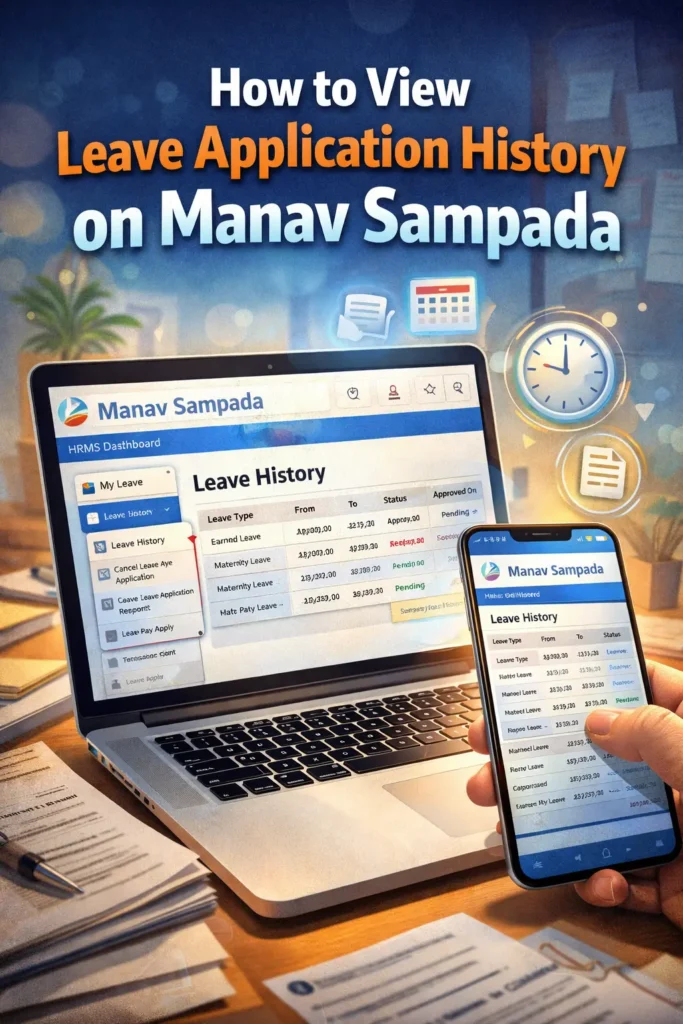
Once you view your leave history, you’ll notice the status of each leave application:
Approved: Leave has been successfully granted.
Rejected: Leave was not approved, and there may be a comment explaining why.
Pending: Leave request is still under review.
These status updates give you a clear picture of your leave records. If you see a rejected leave, it’s always helpful to check the remarks section for feedback from your reporting officer.
How to Edit or Cancel a Leave Application
If you need to make changes to an application or cancel a leave request, you can usually do so directly from the leave history section. Many portals allow you to edit or withdraw leave applications before they are approved.
To do this:
Find the leave entry you want to change or cancel.
Click Edit or Cancel (if available).
Follow the prompts to update or remove your request.
If your leave has already been approved or processed, you may need to contact your HR for further assistance.
Tips for Viewing Your Leave History
Frequently Asked Questions
Final Thought:
Viewing your leave history on the Manav Sampada Portal is quick and helpful. It lets you keep track of all your leave applications in one place. If you ever need proof of leave or want to check past approvals, this feature makes it simple.
Just log in, go to the Leave section, find Leave History, choose the date or year, and review your records. And if something doesn’t look right, don’t worry — often it’s just a filter or browser issue that can be fixed easily.
Stay organized and make leave tracking a breeze!