How to Correct Service Book Data on Manav Sampada Portal
Your service book data is an important record on the Manav Sampada Portal (ehrms.upsdc.gov.in). It includes details about your career, promotions, transfers, and other essential HR-related information. If any of the data is incorrect, it can lead to issues with your salary, promotions, or other HR functions.
In this guide, we’ll explain how to correct service book data on the Manav Sampada Portal and ensure your records are accurate.
Step-by-Step Guide to Correct Service Book Data on Manav Sampada
1. Log In to the Manav Sampada Portal
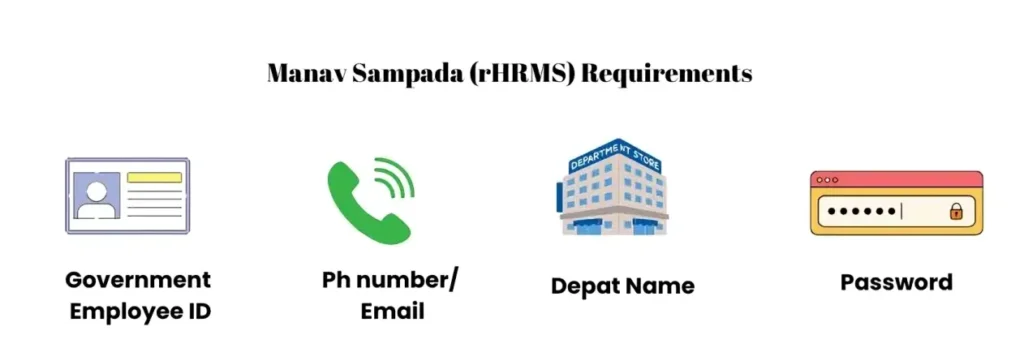
First, visit the Manav Sampada Portal (ehrms.upsdc.gov.in) and log in with your username and password. If you don’t have access or are facing login issues, use the Forgot Password option or contact your HR or IT department.
Navigate to the Service Book Section
Once logged in, you’ll need to find the Service Book section. This can usually be found under the “HR Services” or “Employee Records” tab.
- Look for an option named “Service Book” or “Service Records”. This is where all your career-related details, like joining date, promotions, and transfers, are stored.
Check Your Service Book Details
In the Service Book section, you’ll be able to view all the details related to your employment history. Take some time to carefully check if all your data is accurate. Pay attention to details such as:
Identify the Incorrect Data
If you spot any incorrect details, like a wrong promotion date, transfer record, or missing leave history, make a note of which specific entry needs to be corrected.
Click on the Edit or Correction Option
In some cases, you may have the ability to directly edit the incorrect data by clicking the “Edit” or “Correction” option next to the section you want to change.
- Note: Some fields, especially sensitive data like your Date of Joining or Employee ID, may not be editable directly.
Submit a Correction Request (If Needed)
If the edit option isn’t available for certain fields, you’ll need to submit a correction request. To do this, you will typically:
Click on “Request Correction” or “Submit Correction”.
Provide the correct data that should be updated.
Attach any supporting documents (like promotion letters, transfer orders, etc.) if required.
Approval and Confirmation
After submitting the correction request, your HR team or the concerned authority will review the changes. Once they approve the correction, your Service Book will be updated.
- Tip: You might receive an email or notification confirming the changes once your data has been updated.
What to Do if You Can’t Correct the Data Yourself
If you are unable to correct your service book data directly on the portal, here’s what you can do:
Contact HR or IT Support
If the edit or correction option is unavailable, you’ll need to contact your HR or IT department. They can help you update the service book manually.
- Provide them with the correct data and any necessary documents to support your request. You can also read: How to Get Help for Manav Sampada Login and Data Issues
Provide Supporting Documents
In most cases, your HR department will ask you to provide official documents like:
Make sure to attach scanned copies of these documents when you reach out for correction.
Frequently Asked Questions
Final Thought:
Correcting service book data on Manav Sampada is important to ensure your records are accurate and up to date. By following the steps in this guide, you can either edit or request corrections to any incorrect data.
Remember, if you face any issues or if certain fields are locked for editing, don’t hesitate to reach out to your HR or IT department for assistance.