Manav Sampada Contact Support for Login Issues
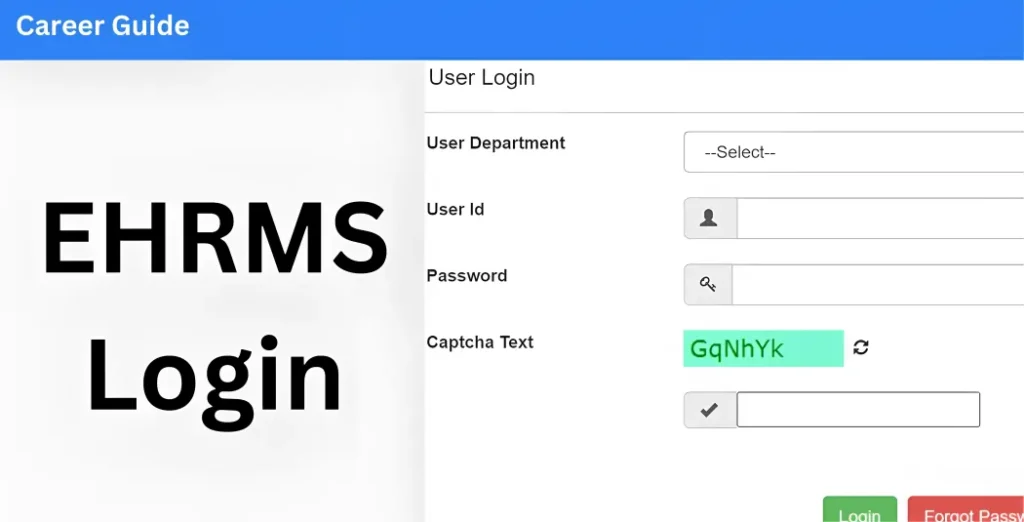
Sometimes when you try to login to Manav Sampada (ehrms.upsdc.gov.in), things don’t go as planned. Maybe wrong credentials, captcha error, server glitch, or forgotten password. If login issues hit you — don’t worry. There are official support channels you can reach. Here’s how to get help and what to do to solve login problems.
Why You Might Need Support
Your login may fail due to:
When such problems happen — that’s when contacting support becomes necessary.
Official Support Channels of Manav Sampada
If login or portal issues persist, you can contact support through these official channels:
Email support:
NIC technical‑team email for Manav Sampada — ehrms‑up@gov.in
Toll‑free helpline number: 1800‑180‑5312
(for Uttar Pradesh Manav Sampada)
Your department’s establishment / nodal officer
if the issue is related to account activation, user credentials, or master data corrections.
What to Do Before Contacting Support
Before reaching out, do these quick checks — sometimes they fix the problem immediately:
What Info to Share When Contacting Support
When you reach out for help, it’s good to provide these details — makes troubleshooting easier:
How to Escalate the Issue if Support is Delayed
If you don’t get a quick response from Manav Sampada support, try the following:
Contact your department’s establishment officer
They may have direct access to resolve issues or escalate them faster.
Follow up with the support team
If you’ve emailed them and haven’t received a response within a few days, send a follow-up message.
Keep a log of your communication
For reference in case you need to escalate the issue further
Sample Message to Support
If you email or call support, you can write something like:
Hello Team,
I am unable to login to Manav Sampada with my employee ID [ID] in department [department name]. I get this error: “[error message]”. My registered mobile number is [mobile no.]. Please help restore my access.
Thanks,
[Your Name]
Such a clear message will help them understand and fix your issue faster.
(FAQs)
Final Thought:
Login issues on Manav Sampada can be frustrating, but they’re usually easy to fix with the right steps. By contacting support via the toll‑free number or official email (ehrms‑up@gov.in) and giving clear details, you can resolve most login problems quickly. Don’t hesitate to escalate the issue if needed — and remember to keep your login credentials and contact details up to date.
If you need more help, feel free to reach out! Keep your service records and account in check, and you’ll have a smooth experience with the Manav Sampada portal.