How to Correct Mistakes in Leave Dates on Manav Sampada
If you’ve applied for leave on Manav Sampada and realized there’s a mistake in your leave dates, don’t worry. It happens! Whether you’ve accidentally entered the wrong date or need to make adjustments to your leave, correcting the mistake is a straightforward process.
Let’s go through the steps to correct your leave dates on Manav Sampada.
Common Reasons for Mistakes in Leave Dates
Before we dive into the steps, let’s quickly go over why mistakes might happen:
No matter the reason, the process to correct your leave dates is simple.You can also read: Track Your Leave Status on Manav Sampada: A Quick Guide
Step-by-Step Guide to Correct Leave Dates
1. Check if Your Leave is Approved
Before making any changes, check if your leave has been approved. If your leave is still pending approval, you can modify the dates directly.
If your leave is already approved, you’ll need to follow a slightly different process to request a change.
Go to the Leave Application Section
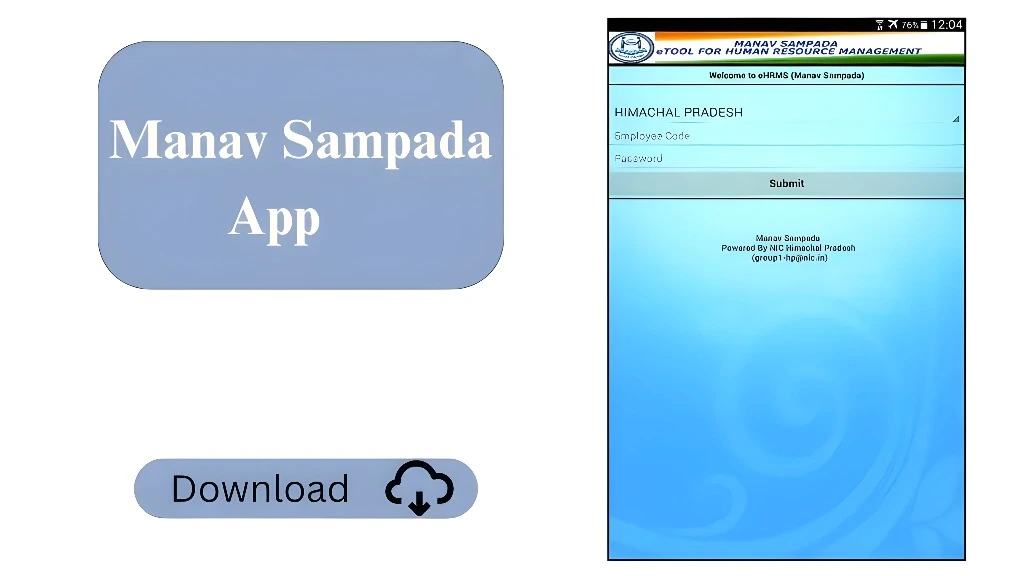
Log in to the Manav Sampada portal using your credentials. Once logged in:
This will display the list of all your past and current leave applications.
Find the Leave Application with the Mistake
Search for the leave application that has the mistake in the dates. Once you find it:
Edit Leave Dates (If the Leave is Pending)
If the leave is pending approval (meaning it hasn’t been processed yet), you should see an option to Edit or Modify the leave application.
Cancel and Reapply for Approved Leave
If the leave has already been approved, you won’t be able to directly edit the dates. Here’s what to do:
Ensure you inform your supervisor or HR department before canceling and reapplying for leave, so they are aware of the change
Contact HR for Assistance
If you are unable to make the changes on your own, or if you are facing any issues, don’t hesitate to reach out to your HR department or Manav Sampada support team. They can assist you in correcting the leave dates or can make the necessary changes from their end.
Helpful Tips
Frequently Asked Questions
Final Thought:
Mistakes in leave dates are common, and the good news is they can be easily corrected on Manav Sampada. Whether your leave is pending or approved, following the steps above will help you make the necessary adjustments. Remember, if you ever run into trouble, your HR department is always there to help you out.
By keeping track of your leave details and following the right process, you can ensure that your leave is correctly applied and approved every time.