How to Apply for Earned Leave on Manav Sampada Portal
If you’re looking to apply for Earned Leave through the Manav Sampada Portal (ehrms.upsdc.gov.in), you’ve come to the right place! Applying for leave online has never been easier, but if you’re new to the system or running into any issues, this guide will help you step by step.
Here’s everything you need to know about applying for Earned Leave on the Manav Sampada Portal.

Step-by-Step Guide to Apply for Earned Leave
1. Log In to Manav Sampada Portal
The first thing you need to do is log in to the Manav Sampada Portal using your username and password. If you have trouble logging in, make sure your credentials are correct and try again. If needed, you can reset your password.
Tip: If you don’t have access to the portal yet, get in touch with your HR or IT department to help you set it up. You can also read: How to Update Personal Info on Manav Sampada Portal
Go to the Leave Application Section
Once you’re logged in, look for the Leave Application section in the portal’s menu. You’ll usually find it under the “Leave” or “HR Services” tab.
- Click on the Leave Application link.
Select “Earned Leave” as the Leave Type
Now, you’ll be prompted to choose the type of leave you want to apply for. From the list of options, select “Earned Leave” (also called EL).
- Tip: Earned Leave is usually calculated based on the number of days you’ve worked. Make sure you know how many days of Earned Leave you have available before applying.
Fill in Leave Details
Next, you’ll need to fill in the leave application form. Here’s what you’ll need to enter:
Make sure all the details are correct before moving forward.
Attach Any Required Documents (If Applicable)
In some cases, you might be required to attach supporting documents, such as a medical certificate or leave request letter. If this is needed, there will be an option to upload these files on the same page.
- Tip: Double-check your documents to make sure they’re in the correct format (usually PDF or JPG).
Submit the Application
Once all your details are filled out and the documents are uploaded, click on the Submit button. Your application will be sent to your reporting officer or leave approver for approval.
Check Leave Status
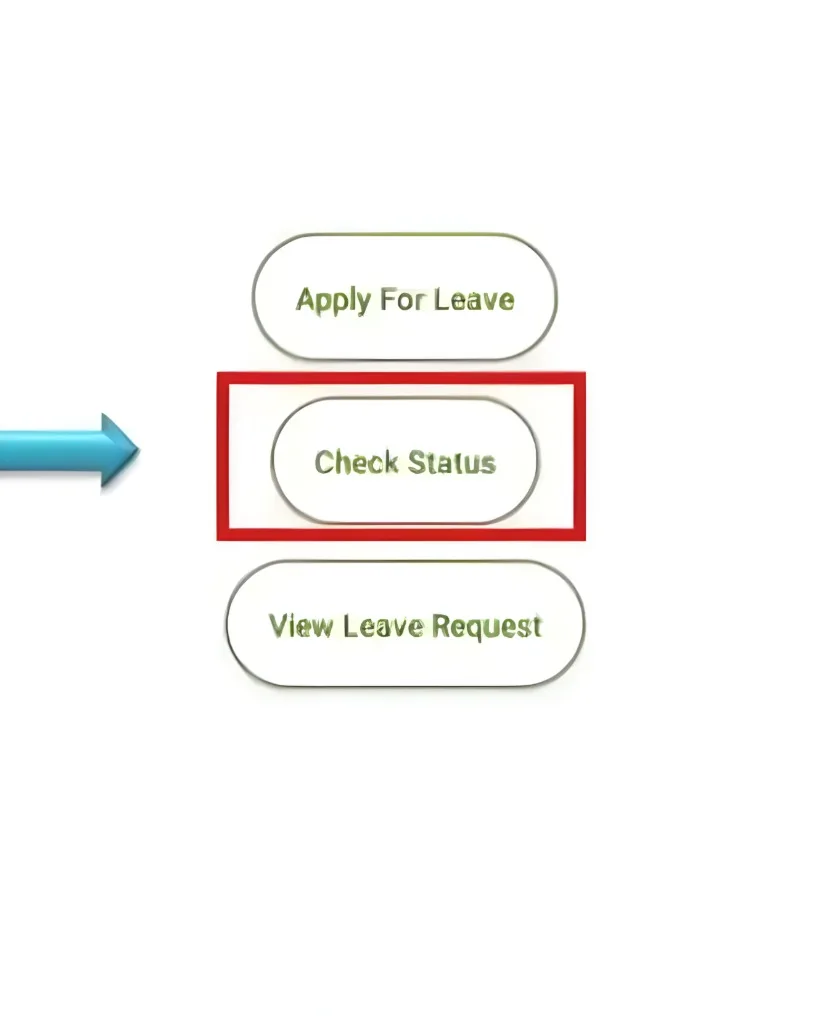
After submission, you can track the status of your leave application. Go back to the Leave Application page and look for a section where you can view the status (Approved, Pending, or Rejected).
- If your leave is approved, you will receive a notification, and the leave will be recorded in your leave balance.
Tips for Applying for Earned Leave on Manav Sampada
Plan Ahead: It’s always a good idea to apply for Earned Leave well in advance, especially if you know you’ll need a long break.
Leave Balance: Make sure you have enough leave days available before applying for Earned Leave. If you don’t, check with your HR for an alternate solution.
Use Accurate Dates: Double-check your leave dates to avoid confusion or mistakes in the application.
Frequently Asked Questions
Final Thought:
Applying for Earned Leave on Manav Sampada is a straightforward process, but you must follow each step carefully. By filling in the right details and submitting the necessary documents, you can apply for leave in just a few minutes. If you face any issues, don’t hesitate to reach out to your HR team for assistance.
By following this guide, you should be all set to take your earned time off without any problems. Enjoy your leave!